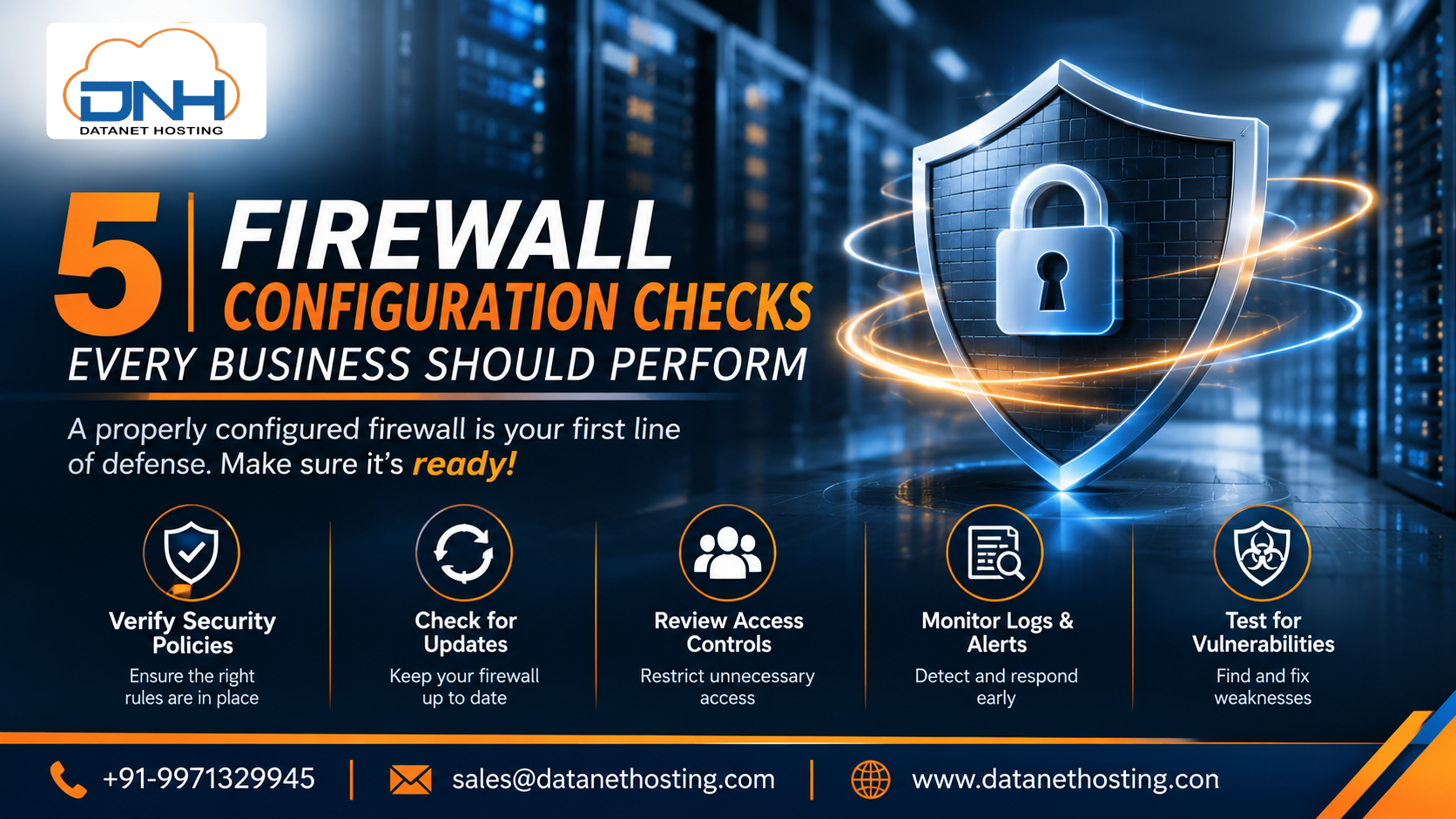
5 𝐅𝐢𝐫𝐞𝐰𝐚𝐥𝐥 𝐂𝐨𝐧𝐟𝐢𝐠𝐮𝐫𝐚𝐭𝐢𝐨𝐧 𝐂𝐡𝐞𝐜𝐤𝐬 𝐄𝐯𝐞𝐫𝐲 𝐁𝐮𝐬𝐢𝐧𝐞𝐬𝐬 𝐒𝐡𝐨𝐮𝐥𝐝 𝐏𝐞𝐫𝐟𝐨𝐫𝐦
A firewall is one of the most important components of business network security. It helps control incoming and outgoing network traffic based on defined security rules.
However, simply installing a firewall does not guarantee complete network protection. Incorrect rules, outdated firmware, weak remote access policies, and limited traffic visibility can create security gaps.
For businesses using cloud infrastructure, office networks, remote access, or hybrid environments, reviewing firewall configurations regularly is essential.
In this article, we will explore five important firewall configuration checks that IT teams should perform to strengthen network security.
- Review Firewall Rules and Access Permissions
Firewall rules determine which network traffic is allowed or blocked.
Over time, businesses may add temporary access rules for applications, employees, vendors, or servers. If these rules are not reviewed, unnecessary access permissions may remain active.
What should IT teams check?
Remove outdated or unused firewall rules.
Restrict access to only required IP addresses and ports.
Avoid unnecessarily broad access permissions.
Review administrator access regularly.
Follow the principle of least privilege.
For example, if an application only requires access through specific ports, avoid allowing unnecessary traffic across the entire network.
- Check Intrusion Prevention System (IPS) Protection
Modern cyber threats can target business networks through suspicious traffic, known vulnerabilities, and malicious activity.
An Intrusion Prevention System (IPS) helps identify and block certain malicious network activities based on configured security policies and detection signatures.
Important checks include:
Verify that IPS protection is enabled where required.
Review security profiles and applicable policies.
Keep threat signatures updated.
Review detected security events.
Adjust policies according to the network environment.
Fortinet FortiGate Next-Generation Firewalls include security capabilities such as Intrusion Prevention, helping businesses strengthen their network security strategy.
- Monitor Application Usage and Web Filtering
Employees and business applications access different websites and online services every day. Without appropriate controls, unnecessary or risky application access may increase security exposure.
Application Control and Web Filtering can help IT teams manage network usage according to business requirements.
What should businesses review?
Identify applications using business network resources.
Apply appropriate application access policies.
Review web filtering categories.
Restrict access to websites that create unnecessary security risks.
Monitor policy violations and unusual activity.
These controls help businesses maintain better visibility and control over network traffic.
- Secure VPN and Remote Access Connections
Remote working and distributed teams have increased the need for secure connectivity.
VPN technology helps establish encrypted connections between remote users, branch offices, and business networks. However, VPN access must be configured carefully.
Important security checks:
Use strong authentication methods.
Restrict VPN access to authorised users.
Review remote access permissions regularly.
Remove access for users who no longer require it.
Monitor unusual login attempts and connection activity.
Businesses should also review VPN configurations whenever their network structure or remote access requirements change.
- Review Firewall Logs, Updates and Performance
Firewall monitoring helps IT teams understand network activity and identify potential security issues.
Ignoring logs or delaying updates can make it harder to identify configuration problems and respond to security events.
Regular maintenance checklist:
Review firewall logs and security alerts.
Check firmware and security updates.
Back up firewall configurations.
Monitor CPU, memory and network utilisation.
Review firewall policies after major infrastructure changes.
Regular reviews help businesses maintain visibility into their network and identify issues that may require attention.
Why Consider a Fortinet FortiGate Next-Generation Firewall?
Traditional firewall protection may not provide all the security controls required by modern business networks.
Fortinet FortiGate Next-Generation Firewalls combine firewall capabilities with additional security features designed to help businesses manage network traffic and protect their infrastructure.
Depending on the model, configuration and licensing, relevant capabilities may include:
Intrusion Prevention System (IPS)
Application Control
Web Filtering
Secure VPN connectivity
Network visibility
Integrated security capabilities
The appropriate firewall depends on factors such as network size, number of users, bandwidth requirements, applications, deployment environment and security objectives.
How Datanet Hosting Solutions Can Help
Choosing a firewall requires understanding your existing network infrastructure and business security requirements.
Datanet Hosting Solutions provides Fortinet FortiGate Firewall solutions for businesses looking to strengthen their network security infrastructure.
Before selecting a solution, businesses should consider their network environment, access requirements, performance needs and future growth plans.
Frequently Asked Questions
- How often should businesses review firewall configurations?
Businesses should review firewall configurations periodically and whenever major changes occur in their network, applications, users or security requirements.
- What is the difference between a traditional firewall and an NGFW?
A traditional firewall mainly controls network traffic using rules such as IP addresses, ports and protocols. A Next-Generation Firewall (NGFW) can provide additional capabilities such as application control and intrusion prevention.
- Why is IPS important in firewall security?
IPS helps detect and block certain suspicious or malicious network activities, providing an additional layer of network protection.
- Does installing a firewall guarantee complete business security?
No. A firewall is one part of a broader security strategy. Businesses also need access controls, regular updates, monitoring, secure endpoints and employee security awareness.
Final Thoughts
A properly configured firewall plays an important role in protecting business networks. However, security requires more than installing a firewall device.
Regularly reviewing firewall rules, IPS protection, application access, VPN policies and monitoring practices can help IT teams identify potential security gaps.
Businesses should evaluate their network requirements and select firewall solutions that support their security and infrastructure needs.
Explore more Info Read Our blog:-https://www.datanethosting.com/blog/fortinet-firewall-solutions/
About the author
- Datanet Hosting Solutions provides cloud and IT infrastructure solutions for businesses. We share practical insights on cloud hosting, VPS, dedicated servers, DigitalOcean, Akamai Cloud, cybersecurity, and network infrastructure. Our goal is to help businesses understand technology, make informed IT decisions, and build reliable digital environments. Follow us for informative articles, technical guides, cloud computing updates, and cybersecurity tips.
Comments
Join the discussionNo comments yet. Be the first to comment.